AudioSlice MCP integration
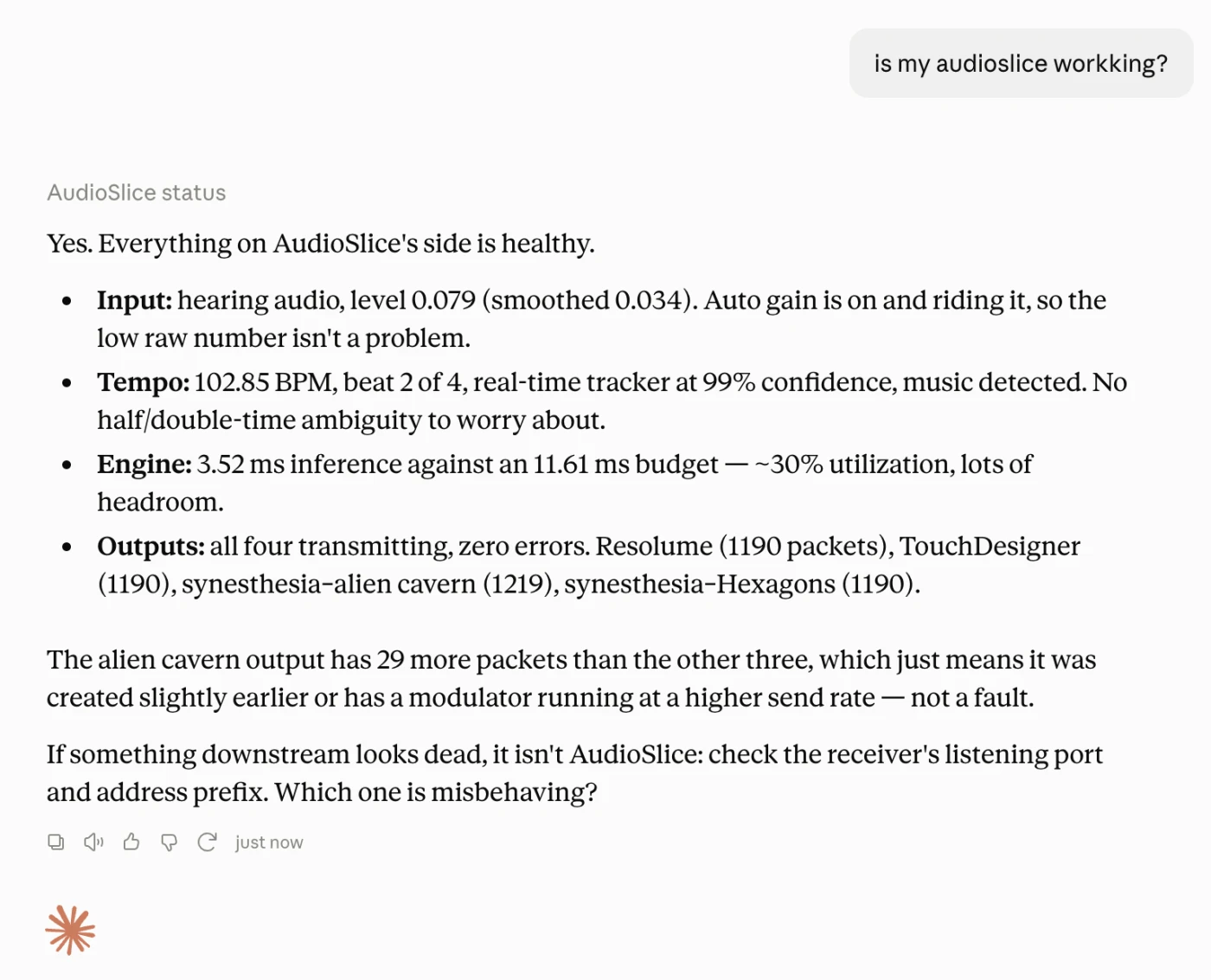
Running, configuring, troubleshooting, and debugging AudioSlice using an AI like Claude, Qwen, or ChatGPT is not only possible, it's super easy.
Installing the MCP
- Download the MCP from Github.
- Install the
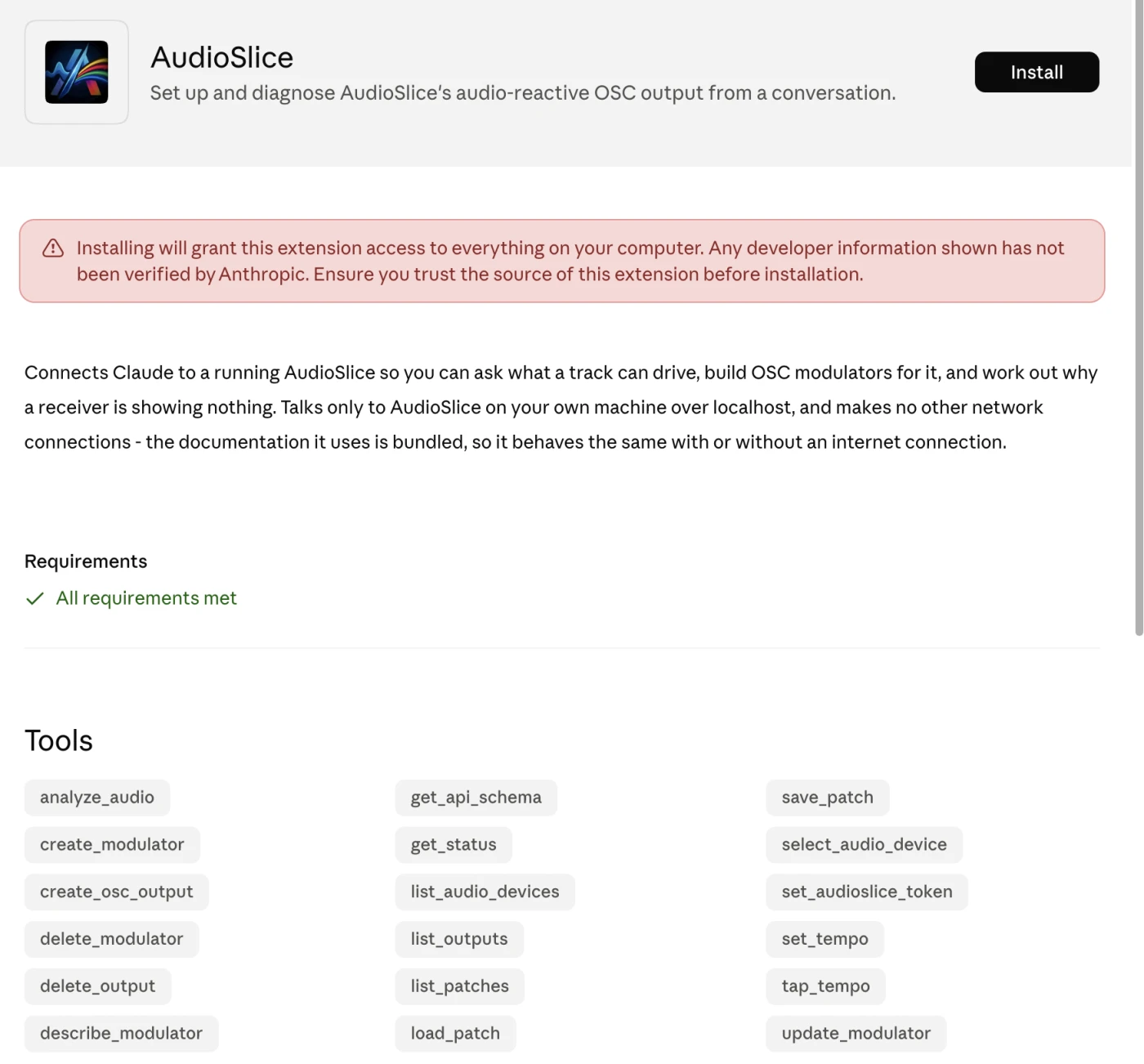
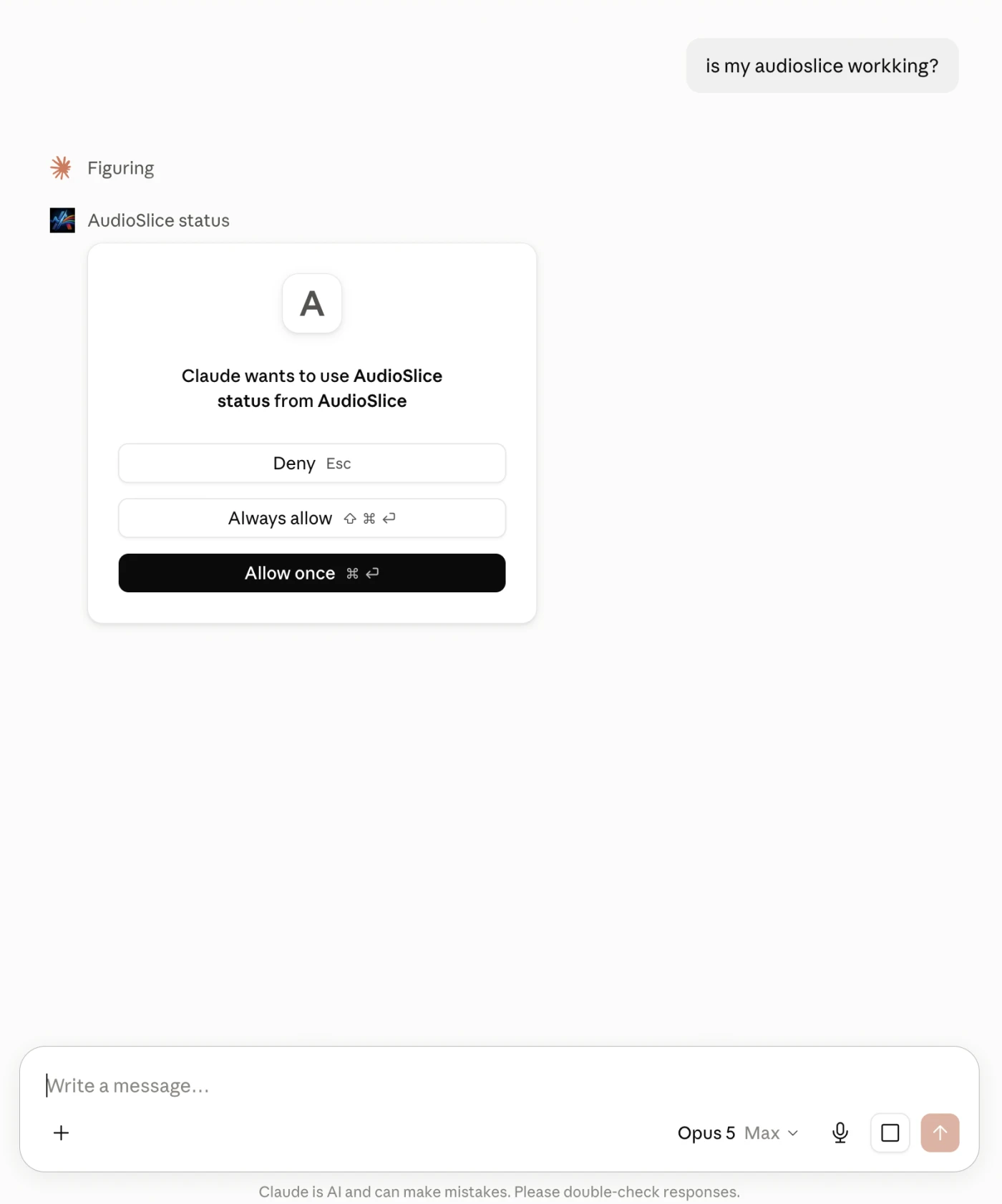
.mcpb- For macOS: Double click the .mcpb file to install it, accept the permissions
- For Windows: in Claude Desktop,
Settings > Extensions > Advanced Settings > Install Extension > select .mcpb file
- Open Claude or another local chatbot
- Open AudioSlice app, play some music
- Ask your chatbot if AudioSlice is configured correctly!
The flow
Click to install:
Allow permissions:
Ask your chatbot: