Tutorials In-depth walkthroughs from the community to get you performing fast, from your first OSC channel to a full audioreactive show.
Tutorial videos
Click any thumbnail to watch without leaving the page.

Make any TouchDesigner project audioreactive
33 min · DREVOThe long one, and the best place to start. Take a TouchDesigner project that has nothing to do with audio and wire AudioSlice's OSC channels into it, parameter by parameter, until the whole patch moves with the music.

Audioreactive visuals with AI stem splitting
12 min · DREVOA quick tour of what realtime stem separation actually buys you: driving separate parts of a scene from the kick, the vocal and the melody instead of from one lump of overall level.
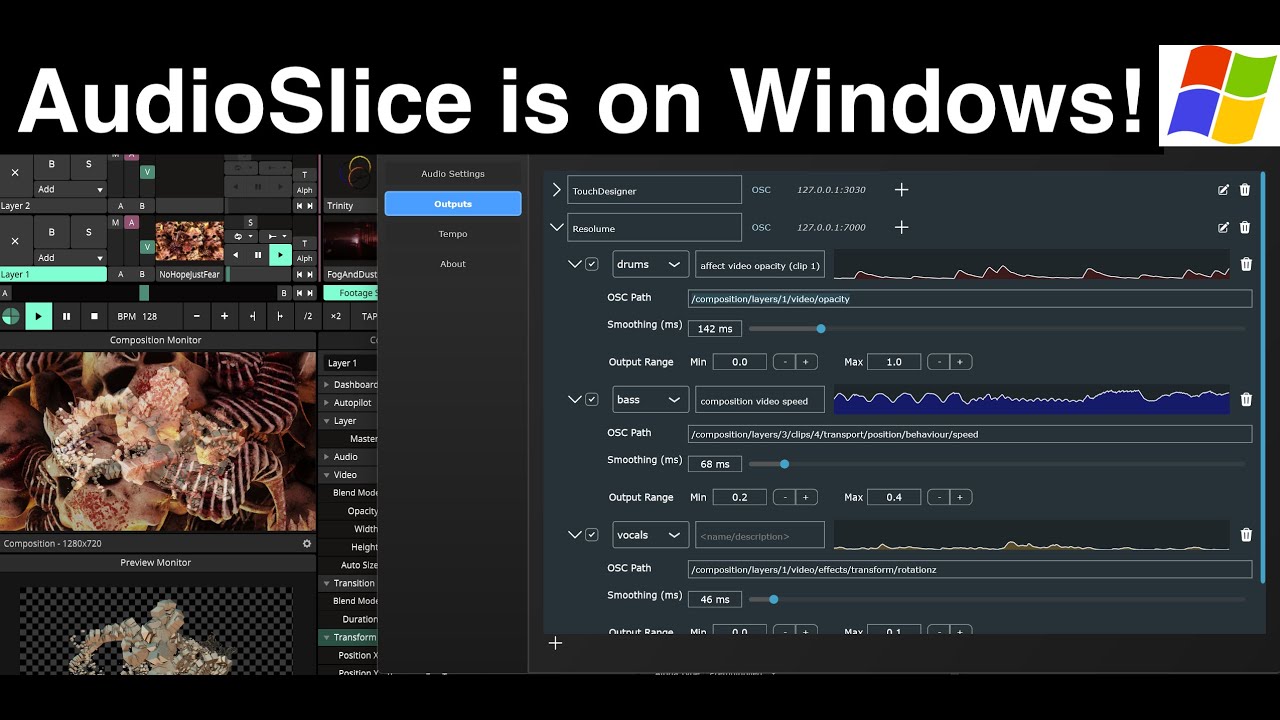
Realtime stem splitting, now on Windows
19 min · DREVOWatch this if you're on a PC. Covers the Windows release end to end — audio device setup, getting the stems out, and the differences worth knowing if you've only seen the Mac version.
Where to start
If you're new to AudioSlice, start at the top of the list and work down. The first walkthrough covers the whole path from a live audio input to moving visuals, and the later ones go deeper on individual pieces: realtime stem splitting, per-instrument OSC channels, and getting a stable show out of a laptop in a loud room.
These are community tutorials, made by artists using AudioSlice in their own work rather than by us, so they show real rigs and real compromises. If you've made one you'd like listed here, send it over and we'll add it.
Turn your music into light
30-day trial, no account, no cloud. Runs natively on macOS and Windows.