Works offline
Activate once and it never needs a connection again. It won't die mid-gig because the venue's Wi-Fi isn't working.







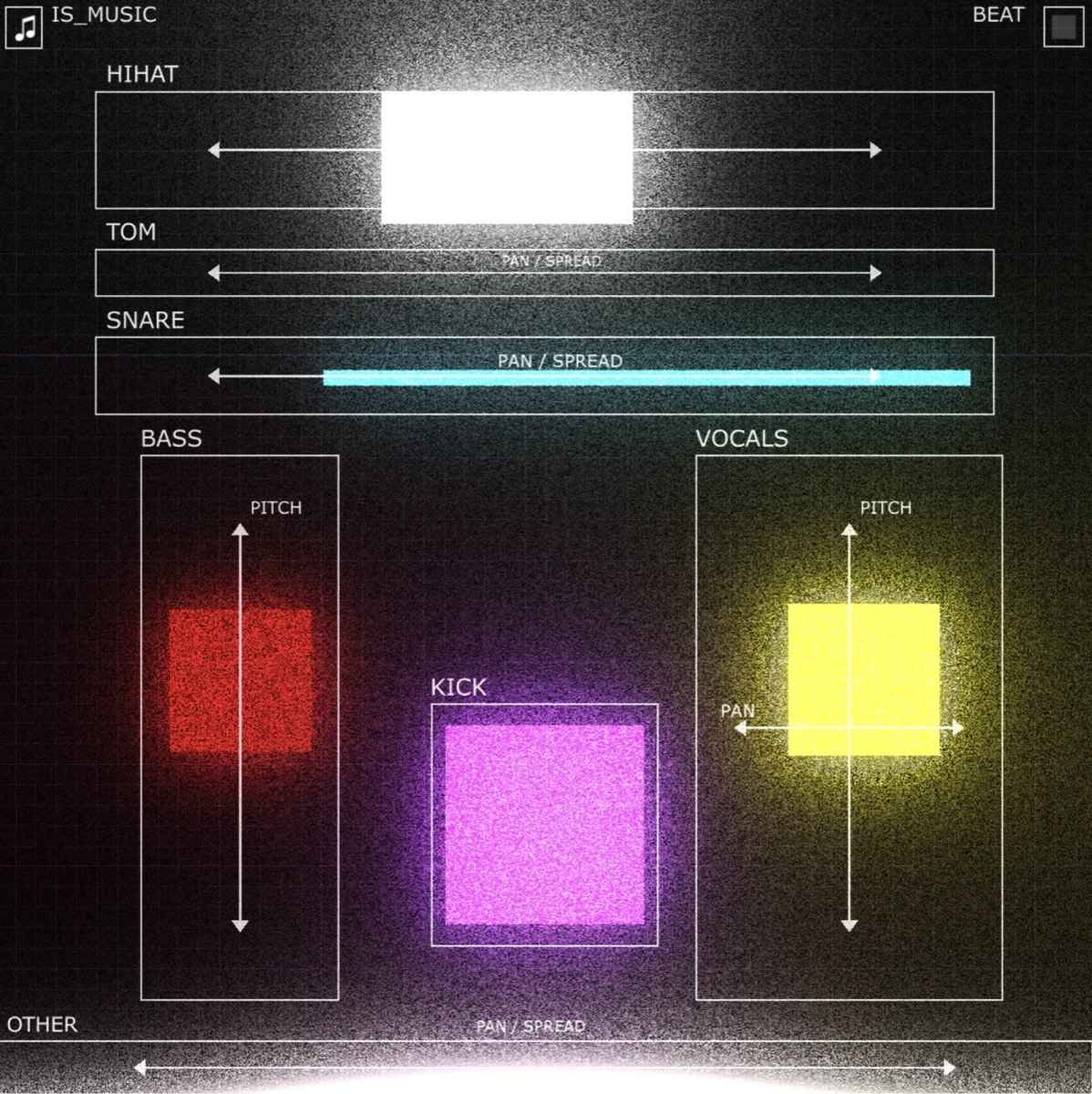
AudioSlice splits a live mix into separate sources and streams a dedicated set of normalized (ie: [0, 1]) OSC control signals for each one, refreshed end-to-end in 11 ms.
| Source | Loudness | Onsets | Pan | Spread | Pitch |
|---|---|---|---|---|---|
| Drums & percussion | |||||
| Kick | Yes | Yes | No | No | No |
| Snare | Yes | Yes | Yes | No | No |
| Hi-hat | Yes | Yes | Yes | Yes | No |
| Toms | Yes | Yes | Yes | Yes | No |
| Percussion | Yes | Yes | Yes | Yes | No |
| Melodic & voice | |||||
| Vocals | Yes | No | Yes | Yes | Yes |
| Bass | Yes | No | No | No | Yes |
| Melodic everything else | Yes | No | Yes | Yes | No |
| Rhythm | |||||
| Beat / downbeat beats and bar starts | No | Yes | No | No | No |
In-depth walkthroughs from the community to get you performing fast.

The long one, and the best place to start. Take a TouchDesigner project that has nothing to do with audio and wire AudioSlice's OSC channels into it, parameter by parameter, until the whole patch moves with the music.

A quick tour of what realtime stem separation actually buys you: driving separate parts of a scene from the kick, the vocal and the melody instead of from one lump of overall level.
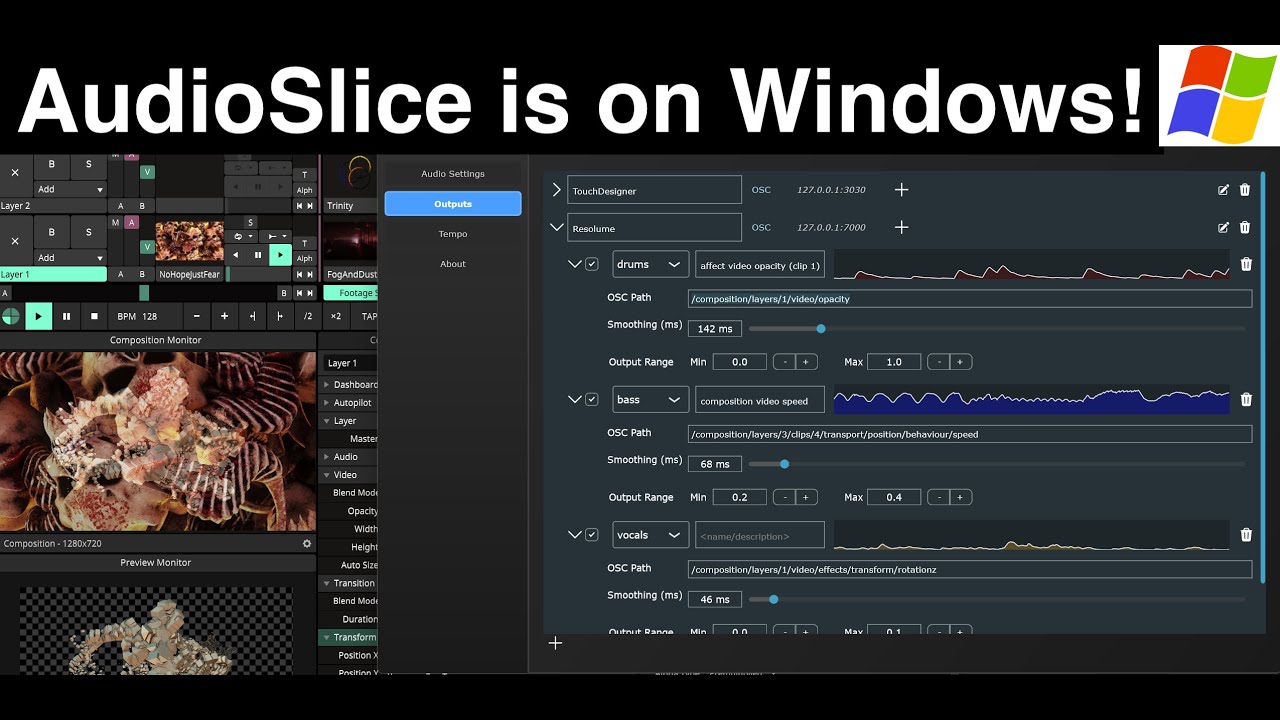
Watch this if you're on a PC. Covers the Windows release end to end — audio device setup, getting the stems out, and the differences worth knowing if you've only seen the Mac version.
A deep, dependable toolkit built for live performance and studio precision alike.
Activate once and it never needs a connection again. It won't die mid-gig because the venue's Wi-Fi isn't working.
Locks to the groove and follows tempo changes live. No tapping, no click track required.
The model is heavily quantized and tuned, so it sips CPU.
Heavy GPU rendering in TouchDesigner or pixel output from Resolume runs unaffected.
Vocals, bass, drums and melody pulled apart from a full mix, every 11ms, live, with no pre-rendering.
No Pro DJ Link, no click track, no Ableton Link required.
Select any audio source and go.
If you want to drive Ableton using AudioSlice's detected beat grid or vice versa, you can do it with a single click.
Every mapping and setting can be saved as portable, human-readable JSON.
One license, native on macOS, Windows and Linux, with identical behaviour on all three.
“Genuinely the cleanest audio-to-light I've used. It just locks on and stays locked.”
Read more reviewsVideo walkthroughs and example projects to get you started in minutes.
macOS 11+ · Apple Silicon (M1 or later)
Windows 10/11 · 64-bit
Linux 64-bit x86 · Ubuntu 22.04+ or Fedora 36+ (glibc 2.35+)
Pay once. Every version released while your updates are included is yours to keep using, forever.
Tax is worked out at checkout. Your serial is shown straight away and emailed to you. Refund policy · License agreement