Pick an input
System audio, an interface, a virtual device like BlackHole, NDI audio — or just your laptop's built-in microphone pointed at the room.
Starting from $49.95 · macOS · 18.9 MB download
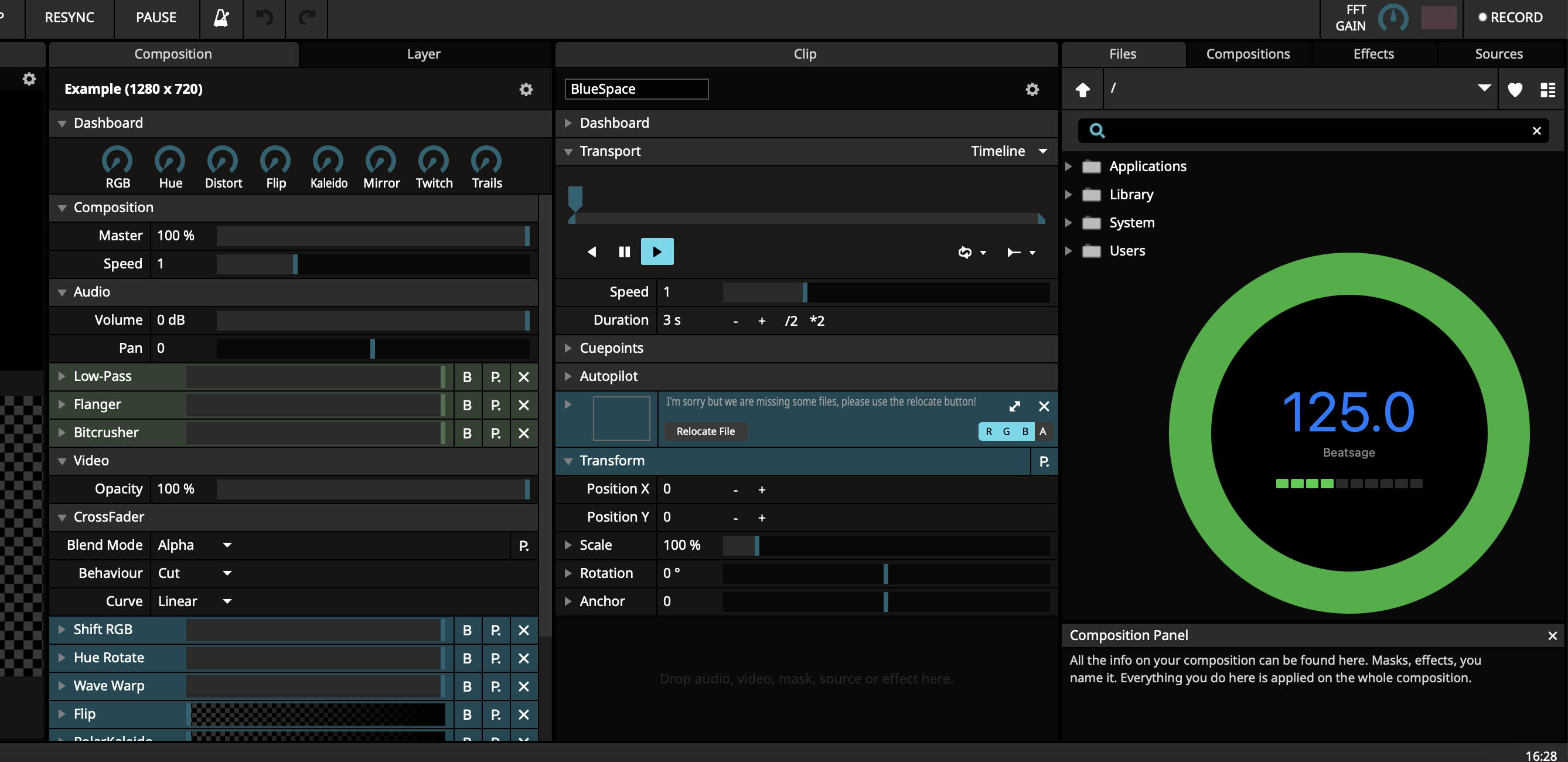




No Pro DJ Link, no timecode, no tapping a spacebar in the dark and hoping it holds.
System audio, an interface, a virtual device like BlackHole, NDI audio — or just your laptop's built-in microphone pointed at the room.
A lightweight neural network trained on thousands of hours of music across every genre reads the groove in realtime and locks to it, tempo and phase.
Tempo goes out over Ableton Link, or as OSC messages if you'd rather patch it yourself. Resolume, TouchDesigner and MadMapper just start moving in time.
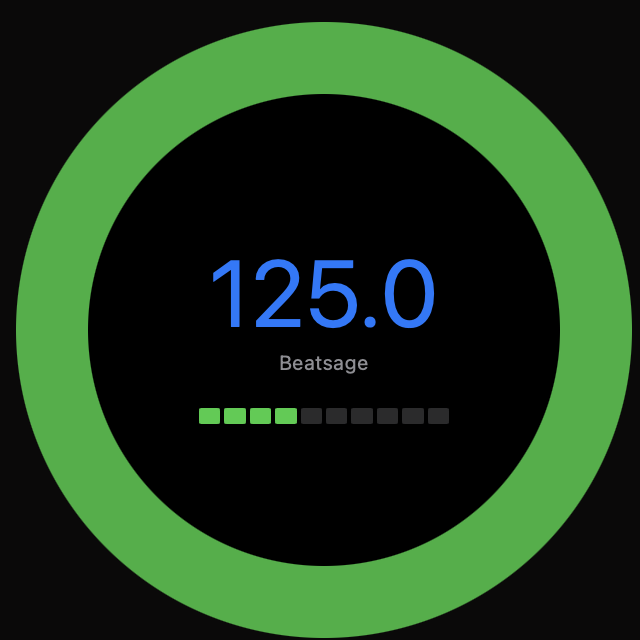
BeatSage is a single small window that tells you the two things you actually need mid-set: the current BPM, and where you are in the bar. The ring fills as it locks on, so you can see confidence at a glance from across a dark booth.
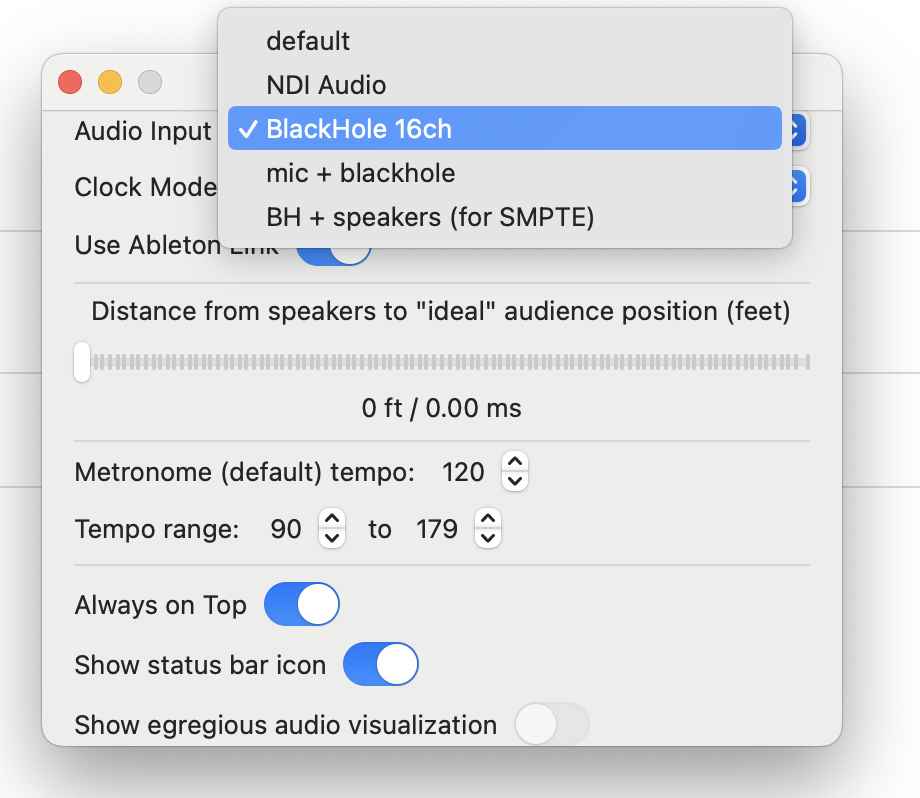
Club sound is loud, clipping and late — the PA reaches the audience milliseconds after it leaves the desk. BeatSage was tested in exactly those rooms, and gives you the controls to compensate rather than pretending the problem doesn't exist.
Small, fast, and built to survive a live show.
A neural network trained on thousands of hours of every kind of music finds the beat for you and stays on it.
Fast enough that the tempo you see is the tempo that's playing. No drift, no catching up after a drop.
Take a clean feed from your computer's audio, or just let the laptop mic listen to the room. Both work.
Loud, compressed, clipping front-of-house sound doesn't throw it off. We've tested it in that room.
Share tempo and phase with everything on the network — Resolume, TouchDesigner, Live, and the rest.
Prefer to wire it up yourself? Send the tempo as OSC messages and patch them wherever you like.
Tell it how far the ideal audience position is from the PA and it lines the beat up with what they hear.
An 18.9 MB download, one small always-on-top window and a menu-bar icon. Nothing else to manage.
Resolume, TouchDesigner and MadMapper out of the box, plus anything that speaks Ableton Link or OSC.
Also see AudioSlicemacOS · 18.9 MB download
Windows beta is in progress — get in touch if you'd like to try it.